Tumblr to Wordpress Import - Maintaining Links

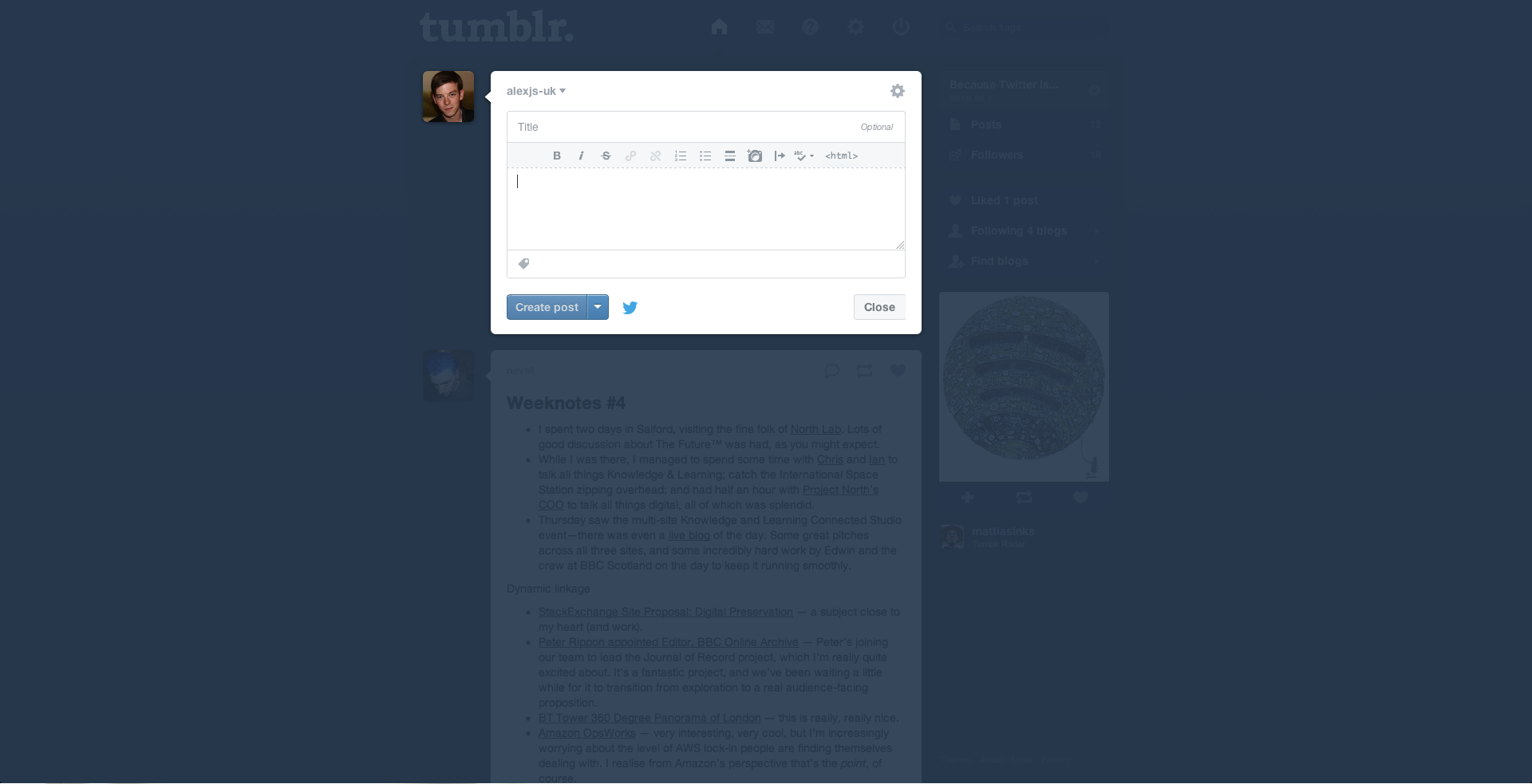
I recently migrated away from Tumblr, as I found that Tumblr was heading more towards micro-blogging - reducing the size of the posting editor (seriously? LOOK AT THE PROPORTIONS) which made embedding code snippets or writing more lengthy posts pretty arduous. As an unapologetic geek - Wordpress seemed like the natural choice.
The Tumblr to Wordpress Import Process did a reasonably good job of importing everything - but I wanted to make sure to not lose the (already indexed/linked) URLs. Unfortunately this wasn’t quite as easy - as defining custom permalinks on a per-post basis in Wordpress appears to still be manual (via an .htaccess). To resolve this generically (without having to make a new alias for the mammoth amount of posts I had (ahem), I simply set the permalink format to the name of the post (which follows the same format as tumblr) and defined the following RedirectMatch regular expression in my htaccess:
RedirectMatch permanent ^\/post\/(\d+)\/(.*)$ /$2From a URL such as:
http://alexsmith.org/post/36766766992/cors-headers-in-nginx
This will isolate:
cors-headers-in-nginx
and (permanently) redirect it to:
http://alexsmith.org/cors-headers-in-nginx
and, as such, play nicely with search engines.
Photo Starting Life by jimdeane (CC)